
Kinsta occupies the premium tier of managed WordPress hosting. It's priced like a premium product and, for business sites where downtime has a revenue impact, it generally behaves like one. Here's the honest review from a paying perspective.
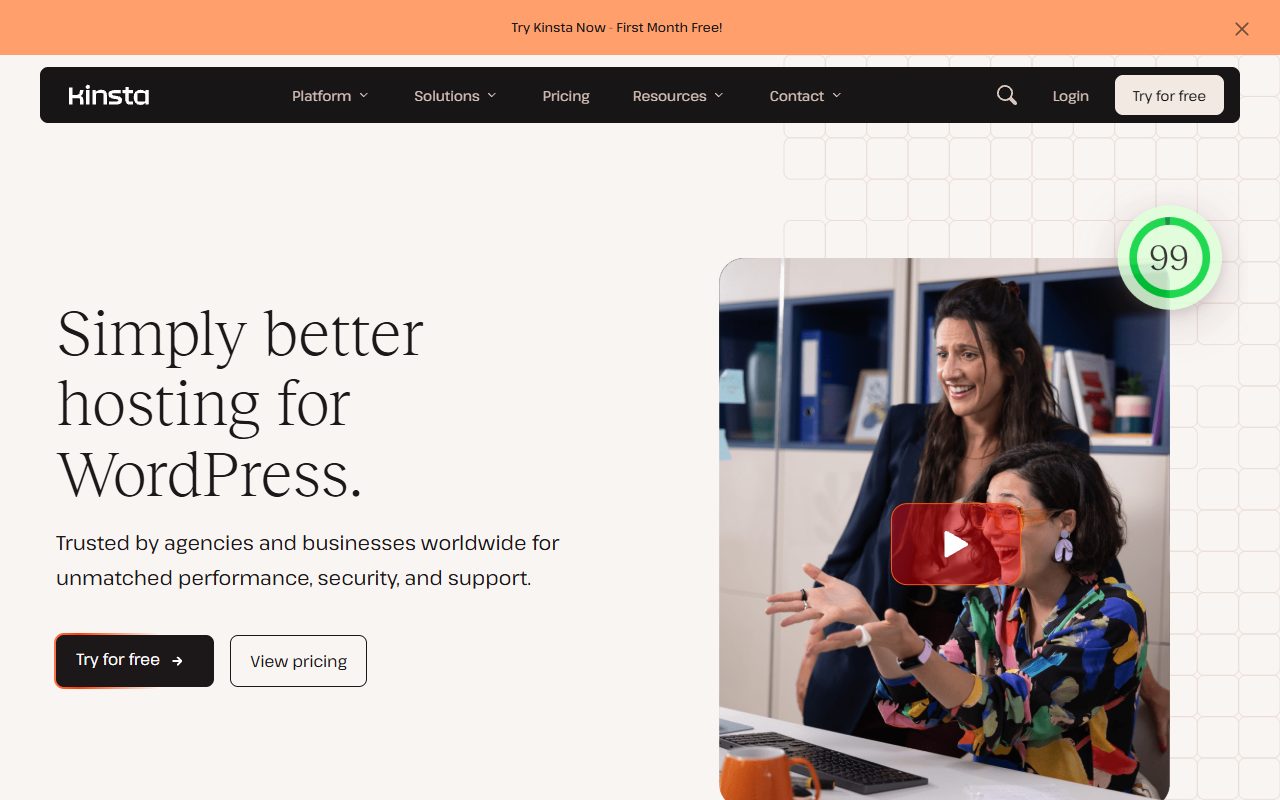
What you actually get
- Google Cloud Platform infrastructure with 35+ data center regions. You pick a region per site.
- Cloudflare Enterprise bundled at no additional cost — edge caching, WAF, DDoS mitigation.
- Automatic daily backups with one-click restore, plus hourly options on higher tiers.
- Staging environments with one-click push-to-production.
- Custom MyKinsta dashboard — visibly better than cPanel for most common WordPress tasks.
- Support via chat with WordPress-specialized agents, genuinely responsive.
Pricing tiers
| Plan | Price | Visits | Sites | Storage |
|---|---|---|---|---|
| Starter | $30/mo | 25,000 | 1 | 10 GB |
| Pro | $60/mo | 50,000 | 2 | 20 GB |
| Business 1 | $115/mo | 100,000 | 5 | 30 GB |
| Business 2 | $230/mo | 250,000 | 10 | 40 GB |
| Enterprise 1 | $675/mo | 600,000 | 60 | 100 GB |
Pricing is visit-based rather than resource-based. Exceeding your plan's visit cap triggers a per-1,000-visit surcharge rather than a shutdown — fair for predictable commerce but worth modeling for sites with viral potential.
Where Kinsta wins
Performance architecture
Google Cloud backbone plus Cloudflare Enterprise is a genuinely premium stack. For customers migrating from shared hosting, the TTFB improvement is typically noticeable within a day. For customers coming from other managed-WordPress hosts, the edge story is the differentiator.
Support quality
Chat support is staffed by agents who understand WordPress internals — they'll debug PHP errors, diagnose plugin conflicts, and trace slow queries with you rather than deflecting to knowledge-base articles. In managed hosting, this is the tier of support customers actually pay for.
Region flexibility
Pick your data center region per site. European audience? Frankfurt. Asian audience? Tokyo. The latency win over a US-only host can be material for non-US audiences.
No downsell traps
Pricing is straightforward. No introductory rates that quadruple at renewal. No aggressive upsells during signup. The sticker price is the real price.

Where Kinsta struggles
Visitor caps
On Starter ($30 for 25k visits), a modest viral spike can blow through your monthly allocation quickly. Overage is charged at $1 per 1,000 visits — not punishing but worth anticipating.
Overkill for hobby sites
At $360/year on Starter, Kinsta is hard to justify for a personal blog pulling 2k visits/month. Shared hosting at $40/year serves that use case adequately.
WordPress only
Kinsta is WordPress-specialized. If your workload is custom PHP, Node.js, or anything non-WP, look elsewhere — Kinsta has Application Hosting and Database Hosting products for those, but the WordPress experience is what they're known for.
Kinsta vs WP Engine
The two premium managed-WordPress choices most seriously compared. Key differences:
- Infrastructure: Kinsta on Google Cloud. WP Engine on AWS + its own infrastructure.
- Dashboard: Kinsta's MyKinsta is more modern; WP Engine's User Portal feels more enterprise and less polished.
- Support: Both are genuinely responsive. Reader feedback gives a slight edge to Kinsta on speed.
- Pricing: Comparable per tier. Kinsta Business 1 ($115) vs WP Engine Growth ($95) — WP Engine cheaper at this tier but with stricter visit overage handling.
- Themes: WP Engine includes Genesis Framework + StudioPress themes — meaningful if you build on Genesis.
Net: Kinsta for better dashboard and slightly better support. WP Engine for Genesis shops and slightly better pricing at the Growth tier.
Who Kinsta is for
- Business WordPress sites where downtime costs revenue.
- Agencies managing multiple client sites who want consolidated billing.
- Founders moving from shared hosting who can feel the performance ceiling.
- Sites with non-US audiences that benefit from regional data center choice.
Who should skip
- Hobby blogs pulling under 5k monthly visits.
- Sites where budget is the binding constraint.
- Developers who want raw VPS control — use DigitalOcean with Cloudways overlay instead.
- Non-WordPress workloads — Kinsta has products for those but they're not the flagship.
FAQ
Is Cloudflare Enterprise really "free" with Kinsta?
Yes — it's bundled into the plan price. Normally $200+/month direct from Cloudflare. This alone can justify Kinsta's price delta over cheaper managed hosts.
What happens if I exceed my visitor cap?
Kinsta charges $1 per 1,000 overage visits rather than shutting you down. A one-time spike of 50k extra visits in a month costs $50 — manageable. A sustained doubling of traffic should trigger an upgrade to the next tier.
Can I host non-WordPress sites on Kinsta?
Not on the Managed WordPress product. Kinsta's separate Application Hosting product supports Node.js, PHP, Python, Ruby, Go, Java, Scala, and static sites. Pricing is usage-based rather than visitor-based.
How does migration work?
Free migration for plans Pro and up. Starter customers can DIY via the migration plugin or pay for expert migration as an add-on. In practice, Kinsta's migration team handles most moves from other hosts cleanly.
Is Kinsta a good fit for WooCommerce?
Yes, particularly on Business 1+ plans where the visit allocation handles commerce traffic patterns. The Cloudflare Enterprise CDN matters for checkout page speed. Starter plan is too constrained for serious commerce.
Last verified April 2026. Pricing subject to change.