
Bluehost has been the WordPress.org-recommended host since 2005. For a non-technical user launching a first WordPress site, it remains a defensible choice — but the defense has gotten narrower over time. Here's where Bluehost wins, where it doesn't, and who should actually buy it.
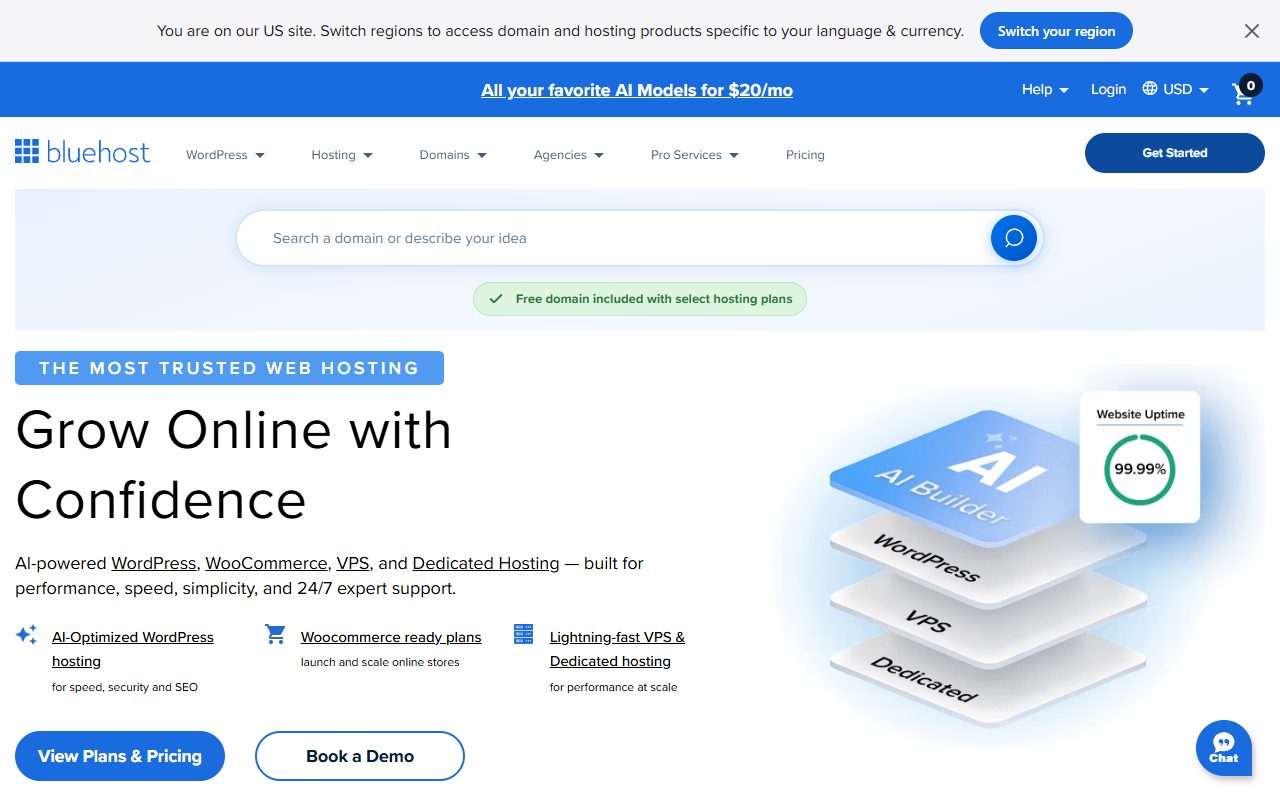
Who Bluehost is for
The target customer is clear once you see the product: first-time WordPress users who value guided onboarding and 24/7 phone support, and who want introductory pricing that doesn't require shopping around. If that's you, Bluehost does the job. If you're a developer, an experienced WordPress operator, or someone who'll stay on the same host for 5+ years, Bluehost is almost certainly not your best option.
Pricing reality
| Plan | Intro (36 months) | Renewal | Suitable for |
|---|---|---|---|
| Basic | $2.95/mo | $11.99/mo | 1 website, starter blog |
| Choice Plus | $5.45/mo | $21.99/mo | Unlimited sites, CodeGuard backups |
| Online Store | $9.95/mo | $24.99/mo | WooCommerce starters |
| Pro | $13.95/mo | $28.99/mo | More resources, dedicated IP |
The renewal jump is the single most important line in any Bluehost review. A $2.95 plan commits you at that rate for up to 36 months, then automatically renews at $11.99/month — a 4x increase. Over a 6-year site lifespan, that's $107 in the first 36 months and $432 in the next 36 months. Set a calendar reminder for month 35 to decide whether to switch, renegotiate, or accept the renewal.
Where Bluehost actually wins
First-time WordPress setup
The onboarding wizard walks new users through installing WordPress, picking a theme, and setting up initial plugins. This sounds trivial but competitors either skip it entirely or bury it behind cPanel. For a non-technical first-time site owner, this alone can save a frustrating evening.
Phone support, 24/7, actual humans
Bluehost still staffs phone support around the clock with agents who can diagnose common issues (domain propagation, email delivery, WordPress errors) rather than only redirecting to knowledge-base articles. Most budget hosts have abandoned phone support; Bluehost has kept it.
Free domain for the first year
Any .com/.net/.org you register during Bluehost signup is free for year one, then renews around $15-20/year. Not a huge value but a real one for first-time buyers who'd otherwise navigate a domain registrar separately.
WordPress.org brand trust
WordPress.org officially recommends three hosts: Bluehost, SiteGround, and DreamHost. For a new site owner who's researching and sees Bluehost endorsed on the official WordPress site, that's a meaningful signal even if the recommendation is underwritten by a commercial relationship.

Where Bluehost struggles
Renewal pricing
We've already covered this: 3-5x jumps at month 37 are standard. Not hidden — the renewal rate appears in the cart during signup — but easy to miss during first-time setup enthusiasm.
Performance on shared plans
Bluehost shared hosting is adequate rather than excellent. SiteGround's Ultrafast PHP stack, A2's Turbo plans, and any cloud VPS will outperform Bluehost's basic shared offerings on typical WordPress workloads. For hobby blogs and low-traffic sites this is imperceptible. For anything growing past 10-20k monthly visits, the performance gap starts to matter.
Aggressive upselling during signup
The cart flow presents pre-ticked add-ons for SiteLock security, CodeGuard backups, and domain privacy. Users who click through quickly can end up paying $50-150/year in extras they didn't actively choose. Always review the cart carefully before finalizing.
EIG/Newfold ownership
Bluehost is owned by Newfold Digital (formerly Endurance International Group, or EIG), which also owns HostGator, iPage, FatCow, Justhost, Arvixe, and many others. The consolidation hasn't obviously degraded Bluehost but it's a factor in reviewer skepticism — private-equity-owned hosting companies have a checkered track record over long time horizons.
Bluehost vs SiteGround
The two most commonly compared options in first-time WordPress hosting. Our summary:
| Bluehost Basic | SiteGround StartUp | |
|---|---|---|
| Intro price | $2.95/mo | $3.99/mo |
| Renewal | $11.99/mo | $14.99/mo |
| Infrastructure | Own hardware | Google Cloud |
| Phone support | 24/7 | Chat primary, phone available |
| Onboarding | Guided WP wizard | Guided, slightly less hand-holding |
| Performance | Adequate | Notably faster (Ultrafast PHP) |
| Best for | Pure first-timers | Slightly more technical first-timers |
If you've ever edited a theme file or installed a plugin before, SiteGround is a slightly better long-term choice. If this is genuinely your first site and you want maximum hand-holding, Bluehost is fine.
The setup flow
- Pick a plan on bluehost.com (Basic covers most first-site needs).
- Register a domain (free for year one) or use a domain you already own.
- Complete checkout — watch for pre-ticked add-ons and untick those you don't need.
- Log into cPanel. Click "Install WordPress" via the Bluehost-branded installer.
- Follow the WordPress setup wizard: site title, admin username, strong password.
- Pick a theme or start with the default. Install Yoast SEO and Wordfence as starter plugins.
- Configure email (Bluehost provides basic email hosting; most users prefer Google Workspace separately).
- Enable Cloudflare in Bluehost's cPanel — this is a free performance win.
Who should buy Bluehost
- First-time site owners with zero WordPress experience.
- Non-technical business owners who value phone support over performance.
- Sites that won't exceed 5-10k monthly visits in the first 36 months.
- Buyers who will genuinely set a calendar reminder for month 35 to reassess.
Who should look elsewhere
- Anyone with prior WordPress experience → SiteGround, A2 Hosting, or Cloudways.
- Business-critical sites (commerce, revenue-generating) → Kinsta, WP Engine, or Cloudways Premium.
- Developers who'll use SSH, Git, or WP-CLI routinely → raw VPS (DigitalOcean, Vultr).
- Anyone who won't remember to reassess at renewal — the 4x jump will sting.
FAQ
Is Bluehost good for SEO?
Host choice affects SEO primarily through page speed and uptime. Bluehost's page speed is adequate for modest traffic; uptime is generally reliable. Neither helps nor hurts SEO in a decisive way. Writing good content matters vastly more than host choice at this tier.
Can I host multiple sites on one Bluehost plan?
Only on the Choice Plus plan and above. The Basic plan supports one website only. If you're planning multiple sites, budget for Choice Plus ($5.45 intro → $21.99 renewal).
How does Bluehost handle backups?
Basic daily backups are run but not guaranteed available to you on-demand. CodeGuard is an add-on for proper scheduled backups with restore functionality. Budget roughly $3/month for that. Or run your own via a WordPress backup plugin (UpdraftPlus, BackupBuddy) storing off-site to Google Drive or S3.
Can I migrate my WordPress site off Bluehost later?
Yes, easily. Most competing hosts offer free migration services. SiteGround, Kinsta, Cloudways, and others will move your site from Bluehost without charge during sign-up.
Is phone support worth it?
For first-time users, yes — it's the feature that separates Bluehost from cheaper alternatives most meaningfully. For experienced users who can self-serve via documentation and community forums, phone support is a nice-to-have rather than a deciding factor.
Last verified April 2026. Pricing and plan details subject to change — verify current offers at bluehost.com before purchasing.