
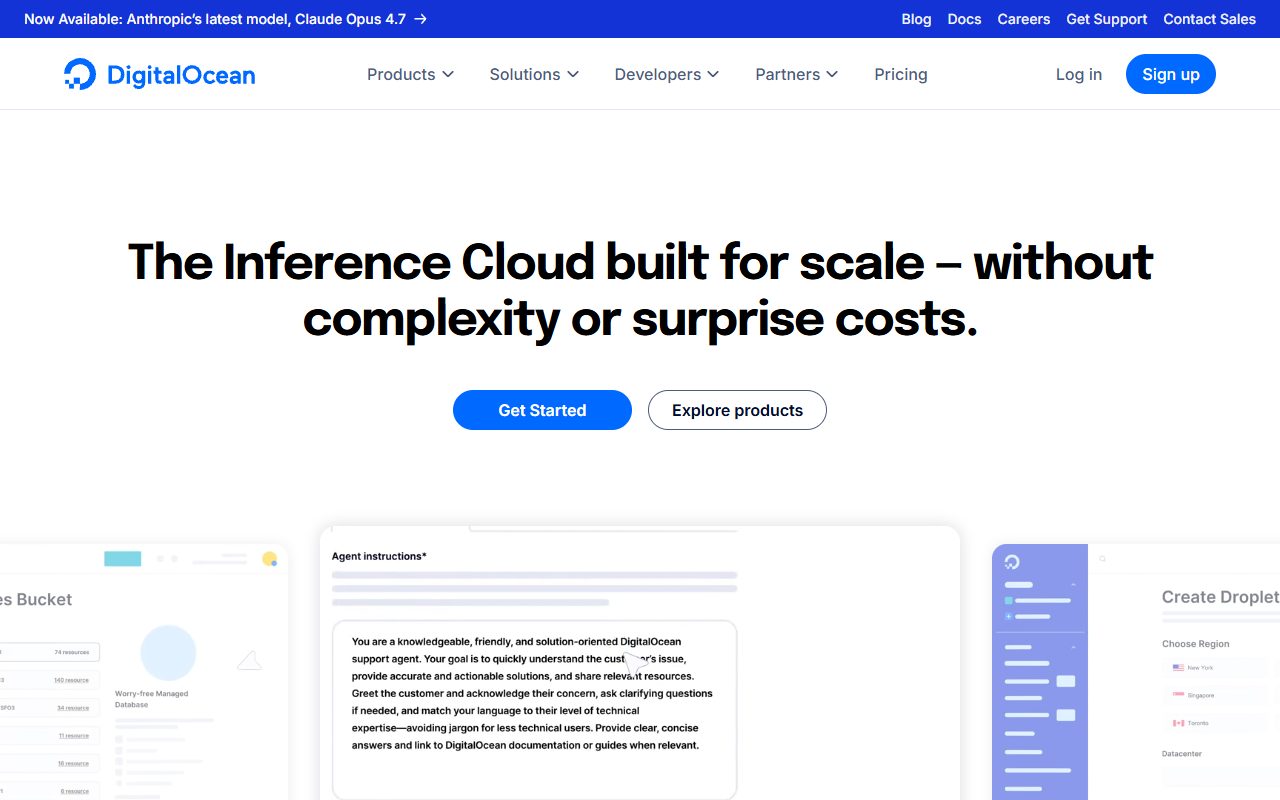
DigitalOcean launched in 2011 with a specific pitch: cloud VPS that developers can actually understand. More than a decade later, Droplets remain the fastest way to spin up a VPS if you know what you're doing. The product has grown beyond Droplets — managed databases, Kubernetes, App Platform, Spaces object storage — but the core Droplet experience is what made DigitalOcean the default developer cloud.
What you get
- Droplets — virtual machines in 15+ data center regions. Pricing tiers: $4, $6, $12, $24, $48, $96, $192, $384/month by RAM.
- Simple, predictable pricing. No surprise bills for bandwidth up to generous monthly allotments.
- Clean API + Terraform integration. Infrastructure-as-code from day one.
- Community documentation. DigitalOcean's tutorial library is the industry's de facto reference for Linux sysadmin and web server setup.
- $200 starter credit for new accounts — equivalent to about 3-6 months of a modest production setup.
- Managed Databases (Postgres, MySQL, Redis, MongoDB).
- Managed Kubernetes (DOKS) for containerized workloads.
- App Platform for PaaS-style deployment (alternative to Heroku/Render).
- Spaces — S3-compatible object storage.
Droplet pricing tiers
| Plan | RAM / vCPU | Storage | Bandwidth | Monthly |
|---|---|---|---|---|
| Basic | 1 GB / 1 vCPU | 25 GB | 1 TB | $6 |
| Basic | 2 GB / 1 vCPU | 50 GB | 2 TB | $12 |
| Basic | 2 GB / 2 vCPU | 60 GB | 3 TB | $18 |
| Basic | 4 GB / 2 vCPU | 80 GB | 4 TB | $24 |
| Basic | 8 GB / 4 vCPU | 160 GB | 5 TB | $48 |
| General Purpose | 8 GB / 2 dCPU | 25 GB | 4 TB | $63 |
| CPU-Optimized | 4 GB / 2 dCPU | 25 GB | 4 TB | $42 |
| Memory-Optimized | 16 GB / 2 dCPU | 50 GB | 4 TB | $84 |
Basic Droplets use shared vCPU with burstable performance. General Purpose, CPU-Optimized, and Memory-Optimized tiers use dedicated vCPU for predictable performance. For most web workloads, Basic Droplets are adequate. For latency-sensitive applications (databases, real-time services), dedicated-CPU tiers are worth the upgrade.
Where DigitalOcean wins
- Developer UX. Droplet provisioning takes under a minute. The dashboard is clean. The API is sane.
- Pricing transparency. No hidden bandwidth fees (up to the monthly allotment). Usage patterns are predictable.
- Documentation. The community tutorial library covers nearly every common Linux/web task and is frequently the first result on Google searches.
- Ecosystem breadth. Managed databases, Kubernetes, App Platform, Spaces, Load Balancers — the full cloud-provider feature set at developer-friendly pricing.
- $200 starter credit genuinely lowers the barrier for new developers trying cloud VPS for the first time.

Where DigitalOcean is limited
- Unmanaged by default. You're the sysadmin. For WordPress specifically, pair DigitalOcean with Cloudways or RunCloud for a managed experience.
- Narrower feature set than AWS. For enterprise compliance (FedRAMP, specific ISO certs), AWS, GCP, or Azure fit better.
- Support is documentation-first. Ticket support is available but not as fast or technically deep as Linode's. For fast human help, other providers win.
- No built-in CDN. Pair with Cloudflare (free tier works well) for edge caching.
DigitalOcean vs Vultr vs Linode
| DigitalOcean | Vultr | Linode | |
|---|---|---|---|
| Entry price | $4/mo (1 GB) | $2.50/mo | $5/mo |
| DC regions | 15+ | 30+ | 11 |
| Documentation | Best in class | Adequate | Strong |
| Support quality | Adequate | Adequate | Best in class |
| Managed products | Broadest | Narrower | Focused |
| API + Terraform | Polished | Good | Good |
Who should pick DigitalOcean
- Developers building production apps who want cloud-quality infrastructure without AWS complexity.
- WordPress operators using Cloudways or RunCloud with DigitalOcean as the underlying backend.
- Side-project builders who want to spin up VMs fast with predictable pricing.
- New developers who will rely on community tutorials during initial learning.
Who should look elsewhere
- Users needing geographic regions DO doesn't cover (some South American, Middle Eastern, African cities) → Vultr.
- Enterprises needing FedRAMP or similar compliance → AWS, GCP, Azure.
- Customers wanting the best ticket-support experience in the category → Linode (Akamai).
- Non-technical users needing managed WordPress without sysadmin exposure → SiteGround, Kinsta.
FAQ
Is DigitalOcean good for beginners?
Yes, if "beginner" means "first-time cloud VPS user with some Linux comfort". It's the most beginner-friendly raw VPS platform. For truly non-technical users (who've never used SSH), managed hosting is a better starting point.
How does the $200 starter credit work?
New accounts receive $200 applicable to any DO service for 60 days. A $6 Basic Droplet + $12 managed Postgres = $18/month; the credit covers about 10 months of that specific setup.
Can I run WordPress on DigitalOcean directly?
Yes, via the WordPress Marketplace image or manual LAMP/LEMP setup. For most WordPress operators, Cloudways or RunCloud on top of DO provides better day-to-day UX than raw DO alone.
Does DigitalOcean offer free tier?
No permanent free tier, but the $200 starter credit functions similarly for new accounts.
How does DigitalOcean handle backups?
Optional automated weekly backups at 20% of Droplet cost ($1.20/month on a $6 Droplet). Snapshots are on-demand, priced per GB. For production, enable automated backups on day one.
Last verified April 2026.